
DaVinSci Consult
Home / Case studies / CRM migration
Case study 1 / 03

CRM migration and consolidation

Moving contact data into one place is the easy part to describe. The work is in deciding what is true, who may see it, and how it stays that way.

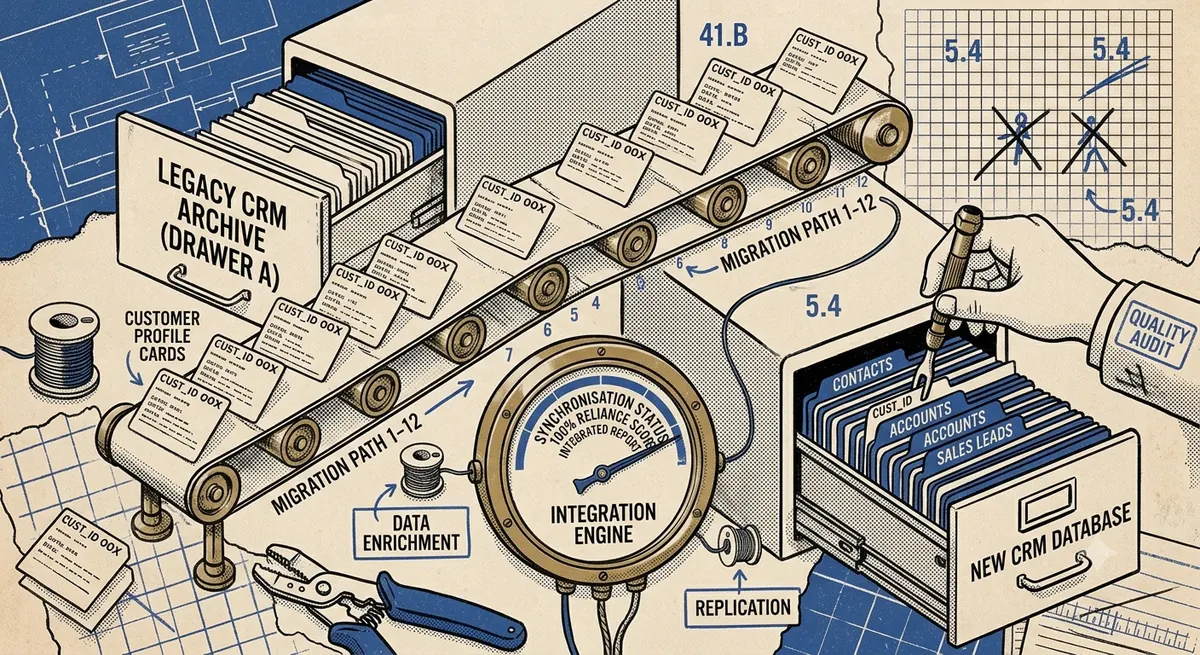
Legacy CRM drawers on a conveyor belt feeding a new database
250,000+records unified for a professional association
70%fewer duplicate records after that clean-up
200k+records standardised from several platforms for HubSpot
Recent work

Two migrations, two different risks

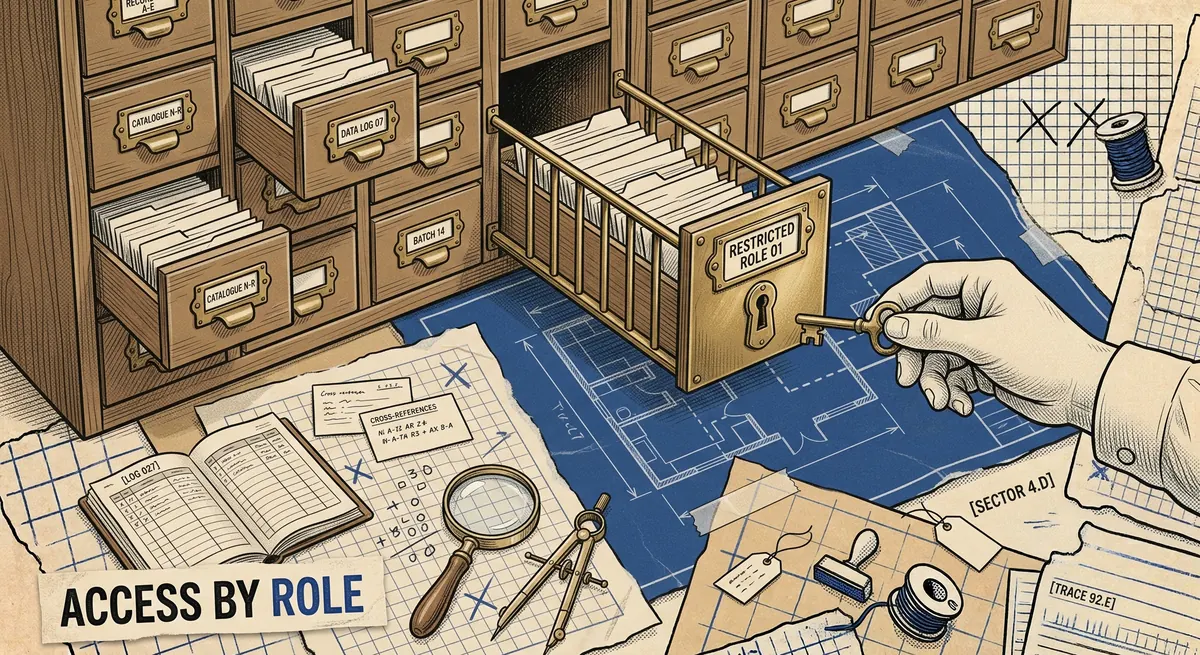
A card index with one barred, lockable drawer and a hand holding its key: Access by role
2026 · under NDA

Merging a sensitive database into the main CRM, without exposing it

The problem. A set of highly sensitive contacts lived in a separate database. Keeping them apart protected them, but it also meant running two databases. Merging them carelessly would have let far too many people see, or email, contacts who should only be handled by a few.

What I did.

  • Started with a full platform audit and data quality review.
  • Categorised records by tagging from existing data, then cleaned and de-duplicated them.
  • Upgraded to HubSpot Enterprise and ring-fenced the sensitive records with team-based ownership and contact-level permissions, so only authorised team members and super admins can view or contact them.
  • Set up custom objects to track event attendance, automated workflows and a clear contact lifecycle.
  • Linked website and social media tracking to sign-up forms and campaigns.
  • Migrated everything into one CRM, with the security configuration in place.

Where it ended. One CRM, with the sensitive contacts protected inside it, handed over with a detailed briefing, documentation and training: data hygiene, governance, workflows, segmentation, reporting, dashboards and how to bring new staff on board.
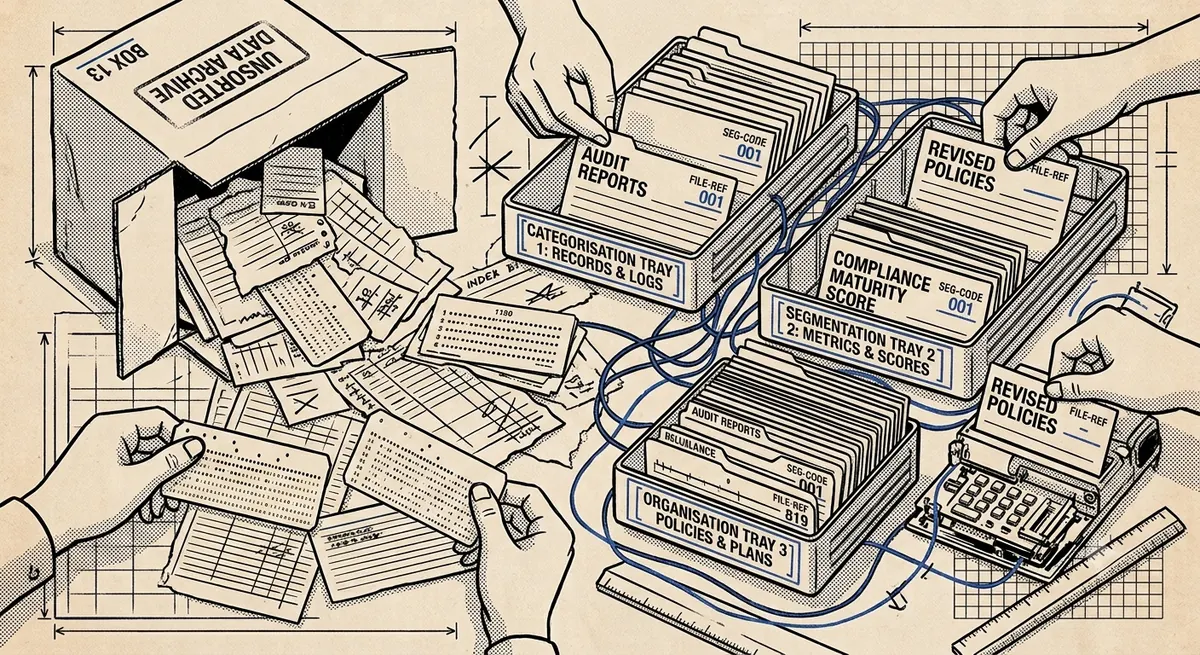
Hands sorting index cards from a messy drawer into labelled archive boxes
2026

Several platforms, one set of contacts and companies

The problem. Contact data was spread across several databases on different platforms, including Pipedrive and Mailchimp.

What I did. Standardised and organised several hundred thousand contact records into a single contact list and a single company list, ready for import into HubSpot.

Why it matters. Most migration trouble is created before the import button is pressed. Agreeing one format for each field, and one record for each company, is far cheaper to do in a spreadsheet than to repair inside a live CRM.

Earlier work

250,000 records for a professional association

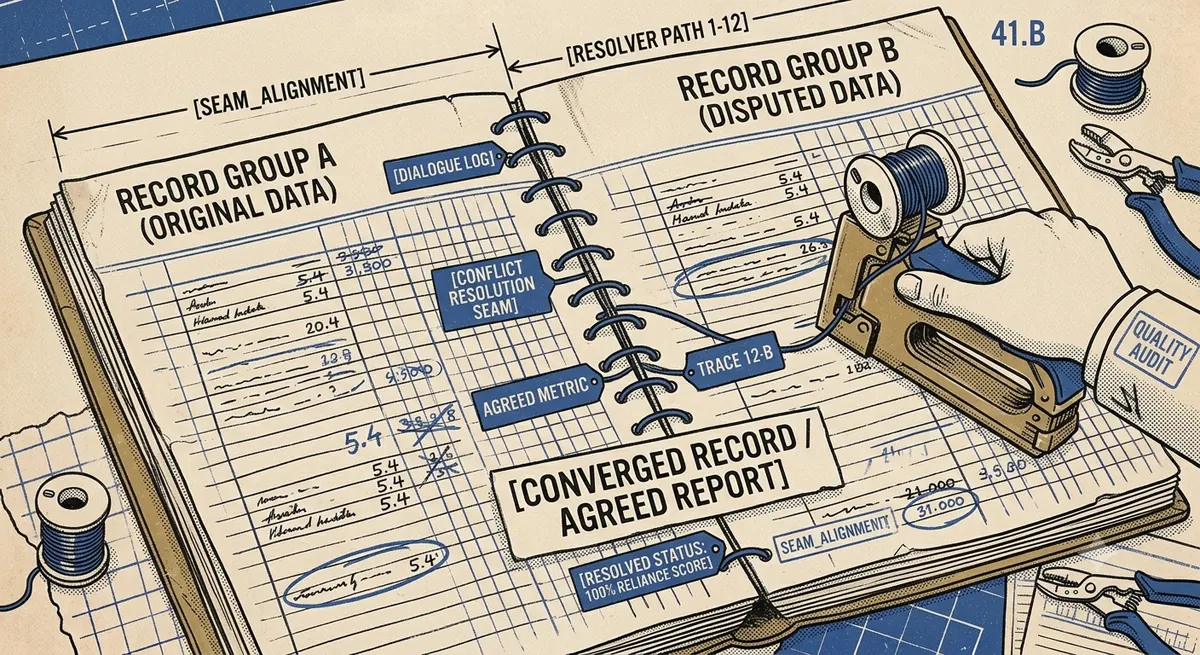
A high-growth professional association had contacts trapped in several CRMs (HubSpot, Salesforce and legacy systems), separate event platforms and spreadsheets held by regional teams. Duplicates wasted marketing spend, and nobody had a single view of a contact.

  1. Discovery and audit. Over 45% of records were duplicate or incomplete, with inconsistent field mappings and gaps in segmentation.
  2. Architecture and clean-up. A unified data model, rigorous de-duplication that preserved interaction history, and data-entry standards.
  3. Migration and integration. A phased, validation-heavy migration with data lineage, marketing automation integration and a rollback plan.
  • A 70% reduction in duplicate records.
  • A 20% increase in email open rates from better segmentation.
  • Automated hygiene processes and an architecture ready for new integrations.

250,000+ relationships stopped being rows in scattered files and became one connected, usable community.

Two records, A and B, merged into one agreed report with a pair of scissors
Good practice

How to merge CRM databases safely

The same checks apply whether you are moving five thousand records or five hundred thousand.

  1. Audit first. Count duplicates, blanks and conflicting formats in each source before you map a single field.
  2. Decide which source wins, field by field. “Most recently updated” is not always the most accurate.
  3. Settle consent and status early. Carry across who has opted in or out, and where that came from, before anyone is emailed.
  4. Decide who may see what before sensitive records arrive. Permissions added afterwards leave a window.
  5. Export, then merge. A merge in HubSpot cannot be undone, so keep a copy of what you started with.
  6. Test with a small batch, check it with the people who know those contacts, and only then import the rest.
  7. Hand over properly. Write down the rules, name an owner and train the people who add records.
Next step

Is your data in several places?

If your contacts are spread across systems and nobody trusts the totals, a short call is the quickest way to find out what you’re dealing with.

Book a 30-minute data strategy call Send a message

An appointment-booked card and a hand holding a confirmation slip on a map desk